
Changing and cancelling
Change a placed order until it is picked up or delivered, settle the difference, and cancel with a reason.
Changing
You can change an order until it is picked up or delivered. Open the order on the order board (space bar) and tap Change order. You get the order screen with the order on it: add lines, remove them, change quantities or options. Save changes (F12) keeps it; Esc leaves the order as it was.
After saving:
- a new receipt is printed;
- the kitchen gets a ticket marked CHANGED, if it had a kitchen ticket already;
- a paid order shows the difference: € 4.50 to pay or € 2.00 to refund. Settle it with Pay or Refund.
If an order has been picked up or delivered, first put it Back on the board.
Cancelling
Open the order and tap Cancel order. KwikEat asks why:
- Customer cancelled
- No show
- Wrong order
- Out of stock
- Other… (with your own text)
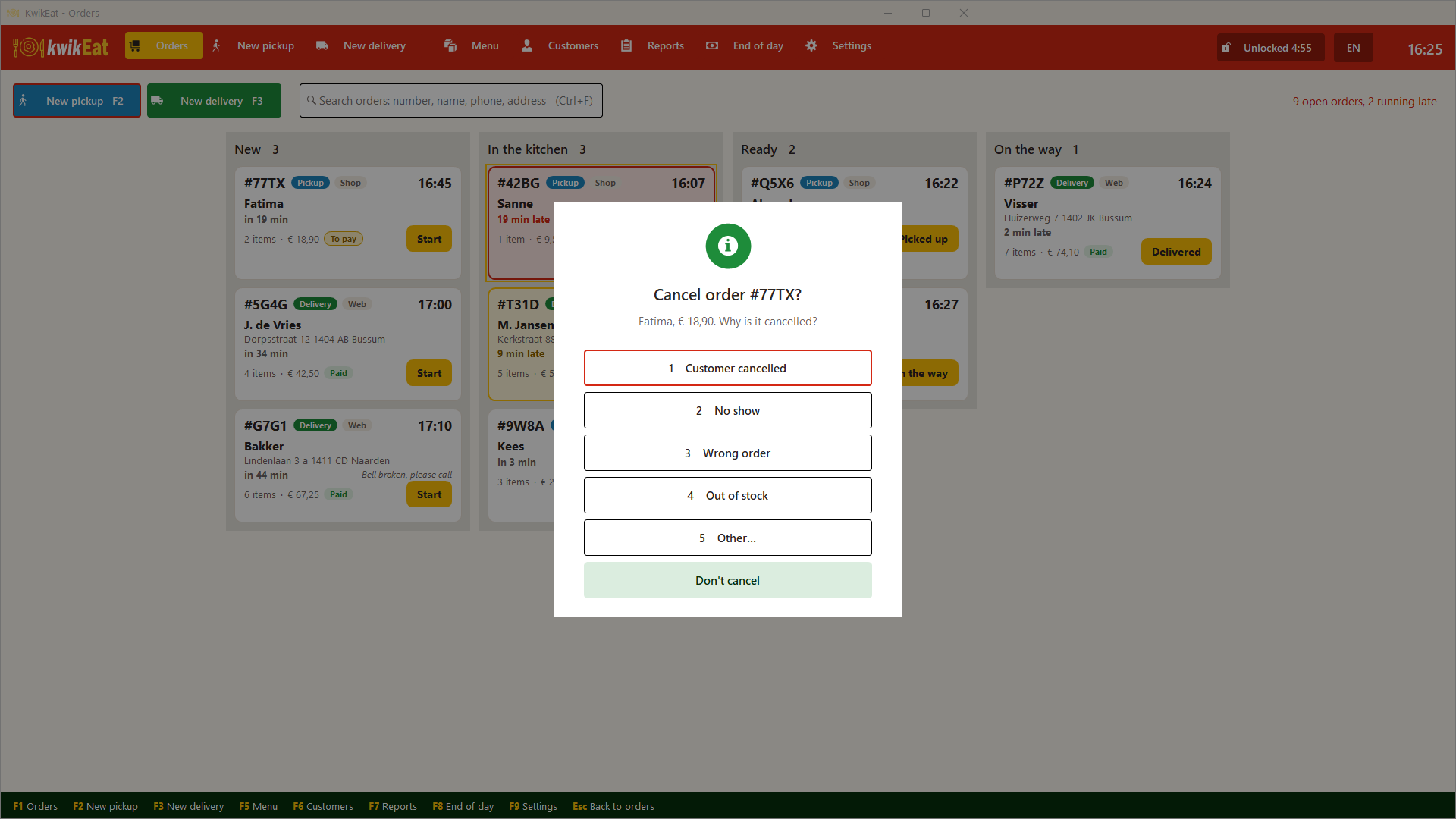
If it was paid, KwikEat asks whether you pay it back now (and how) or keep it. If you keep it, it shows at End of day as to refund.
The kitchen gets a cancel slip. The order leaves the board, with the reason.
A cancelled order is not deleted. It doesn't count in the takings, but it is listed separately at End of day and in the reports (Cancellations and cash), and in the order journal. Deleting orders isn't possible in KwikEat: a deliberate choice, for books that add up.
Last updated: 15 October 2026