
Taking a delivery order
With F3 you find the customer by postcode and house number or phone number, and see the delivery charge at once.
Press F3 (or tap New delivery).
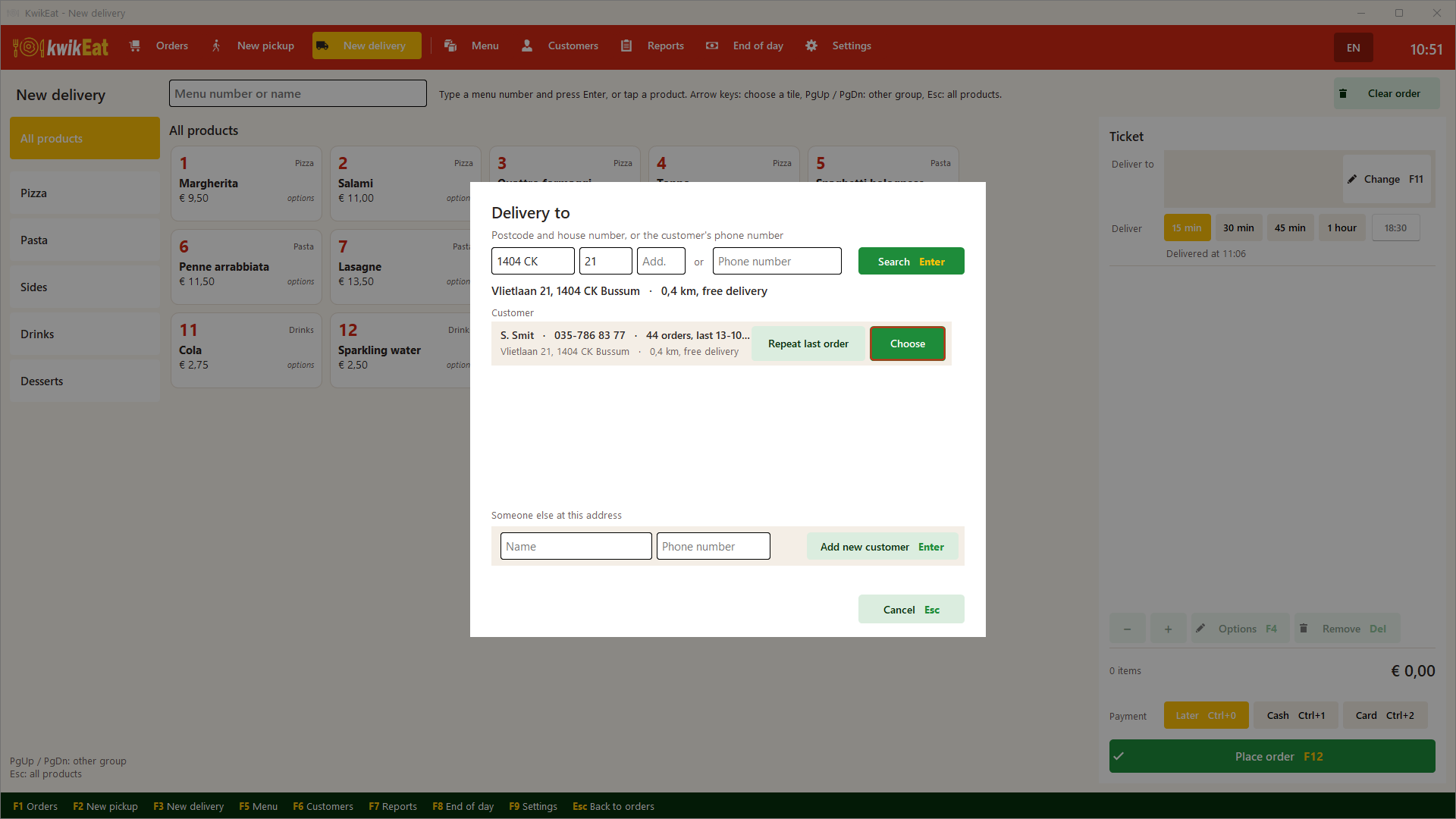
Finding the customer
Enter the postcode and house number (with an addition if needed), or the phone number, and tap Search.
- If the customer is known, you see them with their number of orders and the date of the last one. Tap Choose.
- Someone new lives at the address: New customer at this address or Someone else at this address.
- If the address is new: enter the name and tap Add new customer. In the Netherlands street and town are filled in from the postcode.
Outside the Netherlands (Belgium, Germany, France, Spain, the US) you type the street and house number in the search box and pick the address from the list.
Repeat last order puts the customer's last order on the receipt at once, at today's prices. A product that is no longer on the menu is skipped (you get a notice).
The order
After that it works as for collection: adding products, options, the time (Deliver at …) and payment. At the top you see the address and the delivery charge, worked out from the distance to the shop. Change (F11) changes the customer or the address.
The delivery charge comes from the delivery rates in Settings. How that works: Delivery and postcodes.
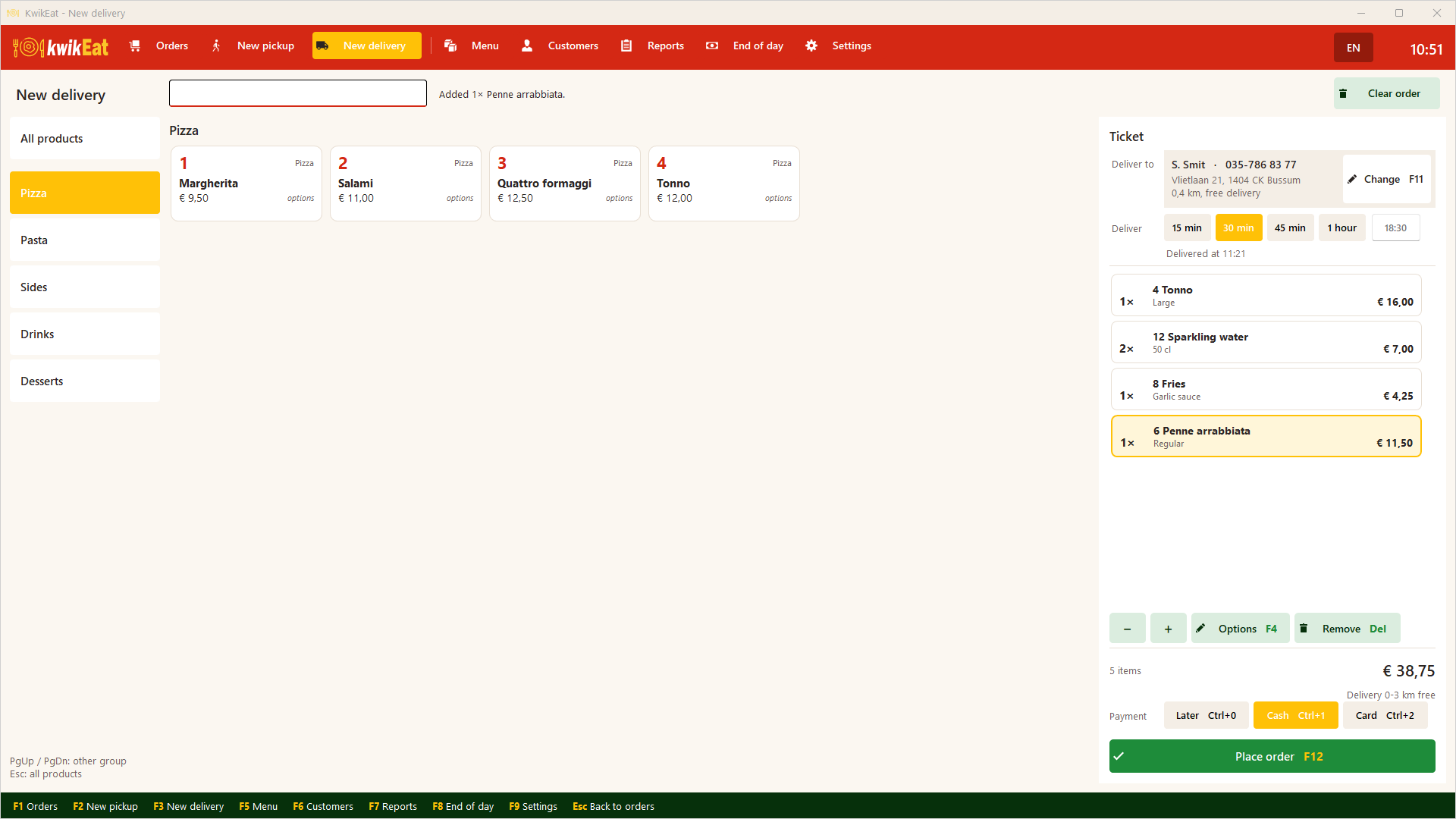
Tap Place order (F12). The receipt with the address is printed.
Last updated: 15 October 2026