
Manual
› KwikEat Desktop
Reports
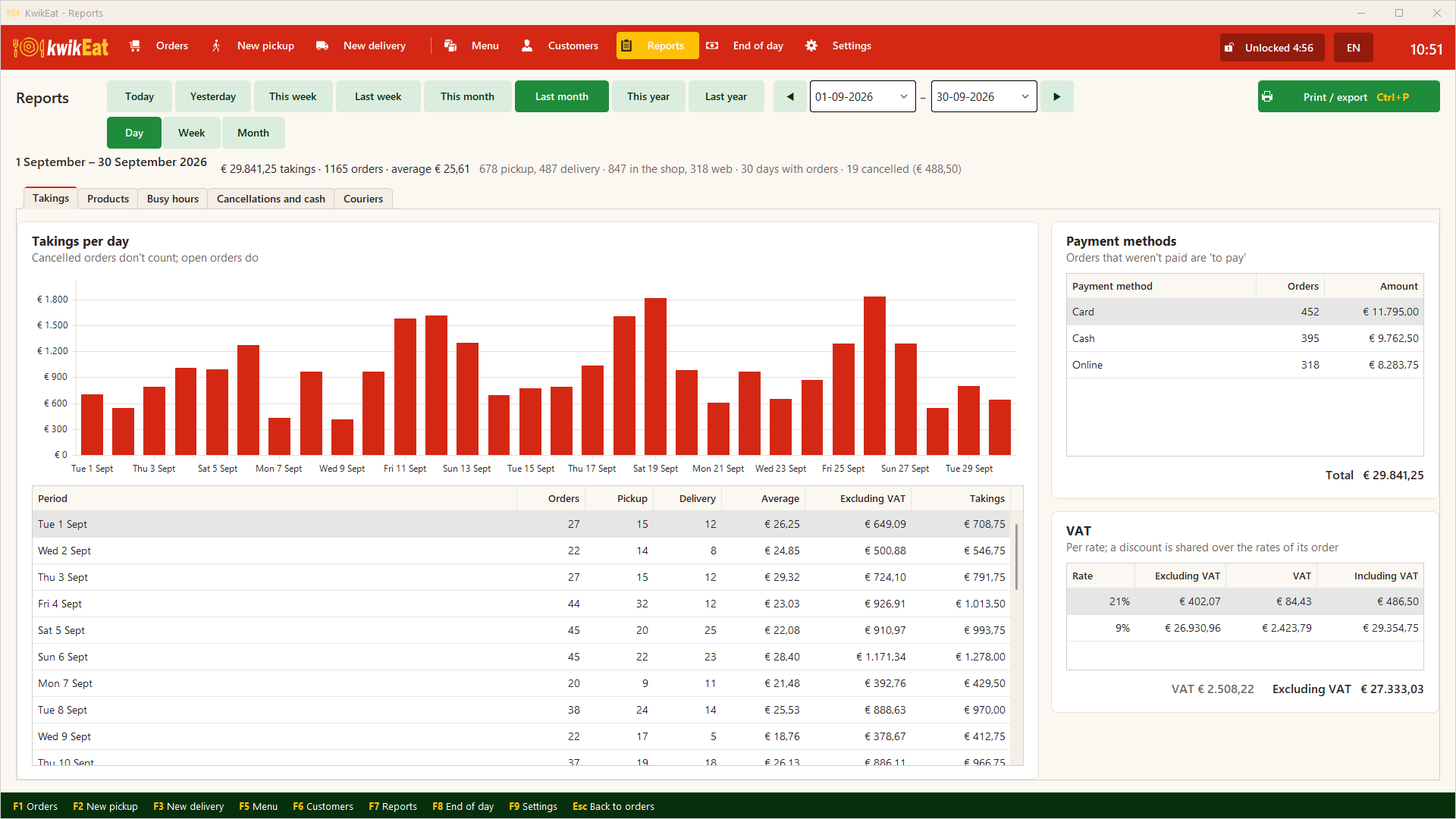
Takings per day, week or month, the best-selling products and options, the busiest hours and days, cancellations and cash differences, and the couriers.
F7 opens the reports. Choose a period at the top: Today, Yesterday, This week, Last week, This month, Last month, This year, Last year, or your own start and end date.
What's in them
| Report | What you see |
|---|---|
| Takings | Takings per day, week or month, with the number of orders (collection and delivery), the average, excl. and incl. VAT; the payment methods (unpaid is under to pay) and the VAT per rate |
| Products | Per product how many and how much, with the share. Also per product group, and per option: how often each choice was picked and what the extra charges brought in |
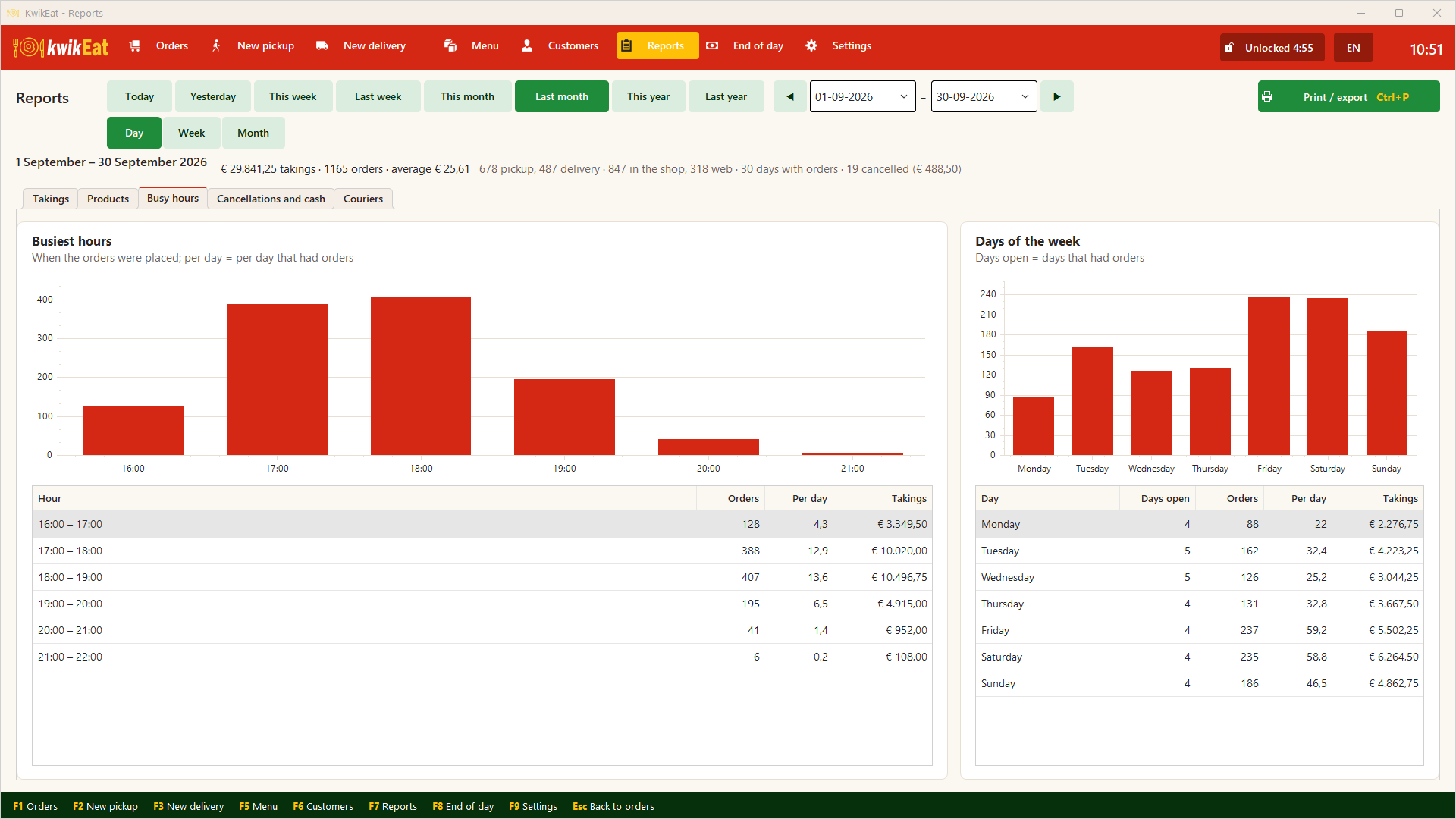
| Hours | Orders per hour of the day: when is it busy? |
| Days of the week | Orders and takings per weekday, averaged over the days you were open |
| Cancellations and cash | All cancelled orders with the reason (not in the takings), and the cash differences of the closed days |
| Couriers | Per courier the number of deliveries and the kilometres driven (there and back, in a straight line) |
Cancelled orders don't count in the takings, open orders do. A discount is spread over the VAT rates in proportion. With a combination each chosen product counts as itself: the pizza in a pizza meal is with the pizzas.
Printing and exporting
Print / export puts the report on A4. From the preview you print it, or save it as PDF or Excel, for your accountant for example.
Last updated: 15 October 2026