
Manual
› KwikEat Desktop
Settings
An overview of all KwikEat Desktop settings, tab by tab: shop, ordering, delivery and payment, printing, links and security.
F9 opens the settings. They are on five tabs. When you change something, keep it with Save; Discard undoes unsaved changes.
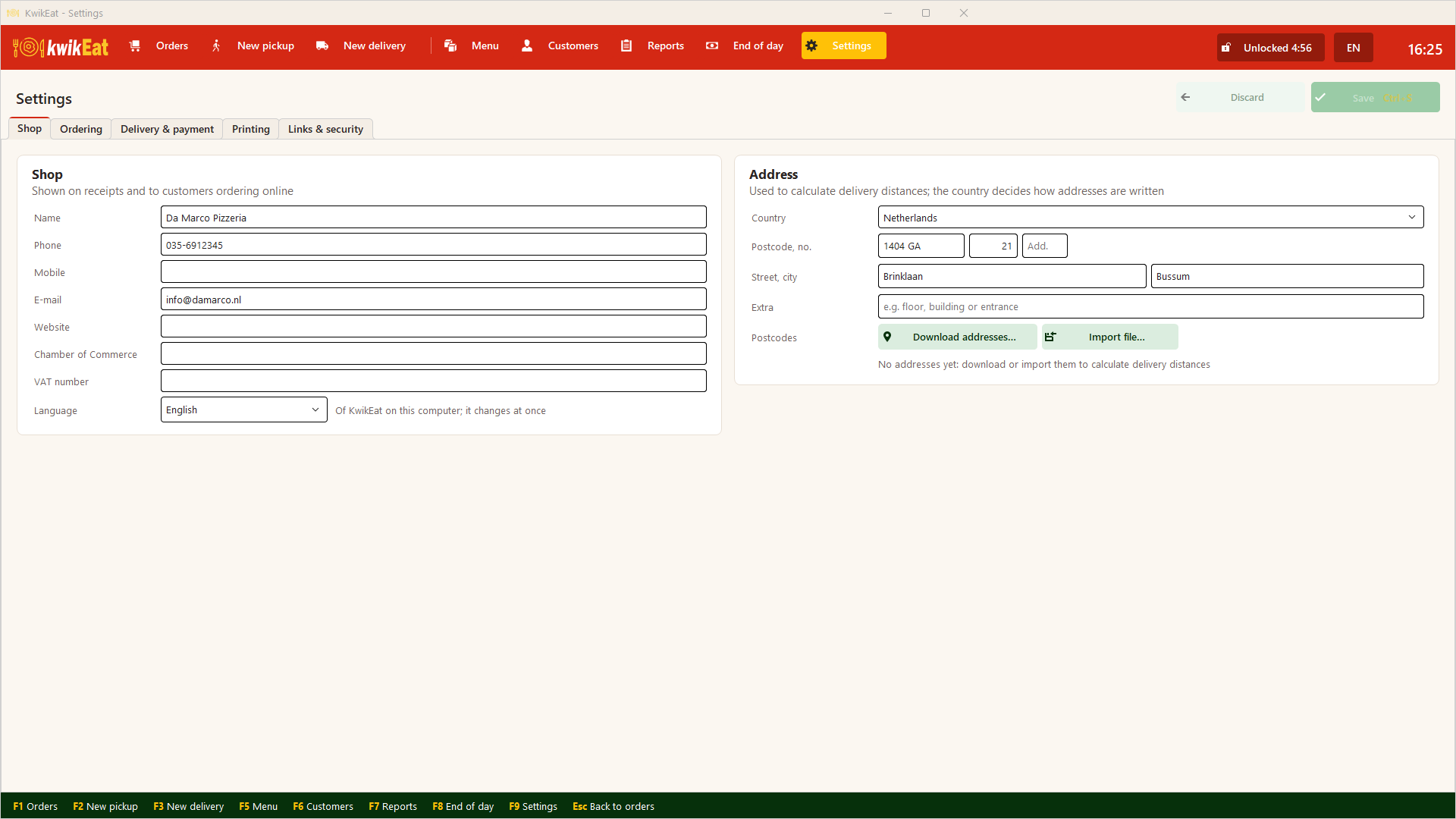
Shop
- Shop: name, phone, e-mail, website, company and VAT number (on the receipt), and the language of KwikEat on this computer.
- Address: the shop's address, the starting point of all delivery distances. The country sets how addresses are written. Here you also download the postcodes around the shop: see Delivery and postcodes.
Ordering
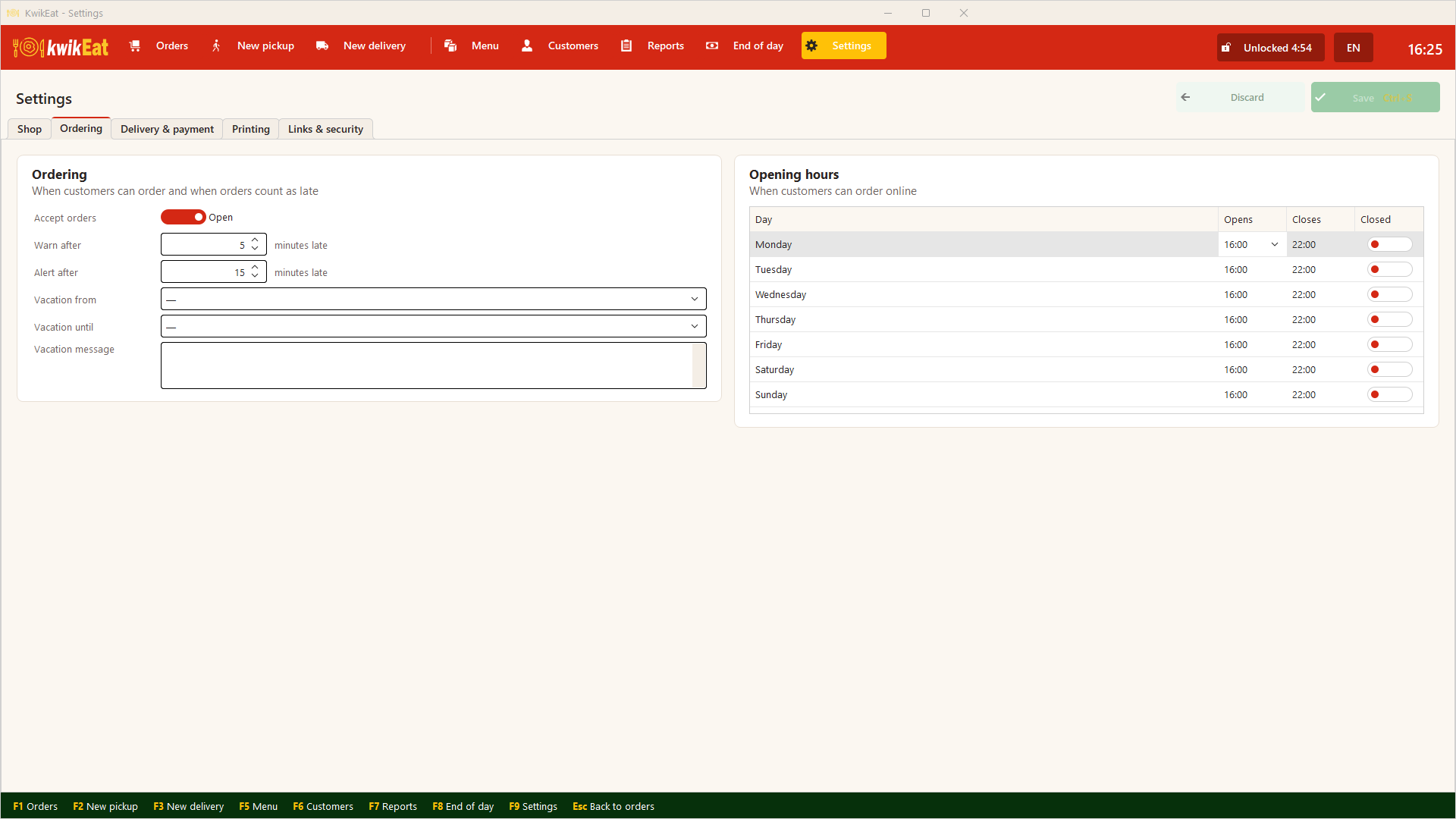
- Accept orders: Open or Closed (for the web shop).
- Warn after and Alert after: after how many minutes late the order board marks an order as late, and when as an alert.
- Vacation: from, until, and a message for the web shop.
- Opening hours: when customers can order online, per day.
Delivery & payment
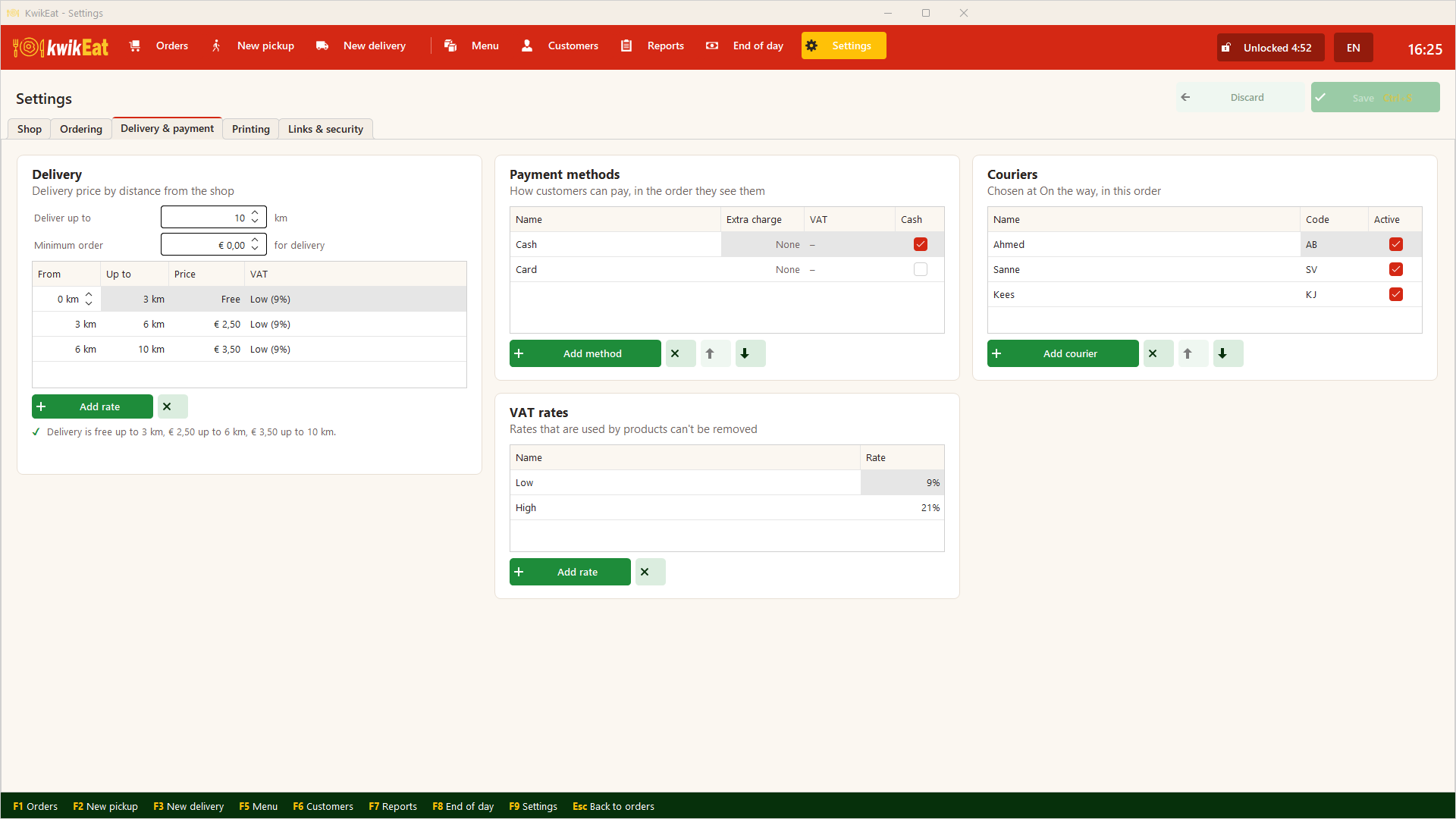
- Delivery: how far you deliver, the minimum order for delivery and the delivery rates per distance: see Delivery and postcodes.
- Payment methods: how customers can pay (Cash, Card, …), in the order they appear on screen. Switch on cash for a cash method: it counts as cash at End of day.
- Couriers: who delivers: see Couriers.
- VAT rates: your country's rates. A rate still in use can't be removed.
Printing
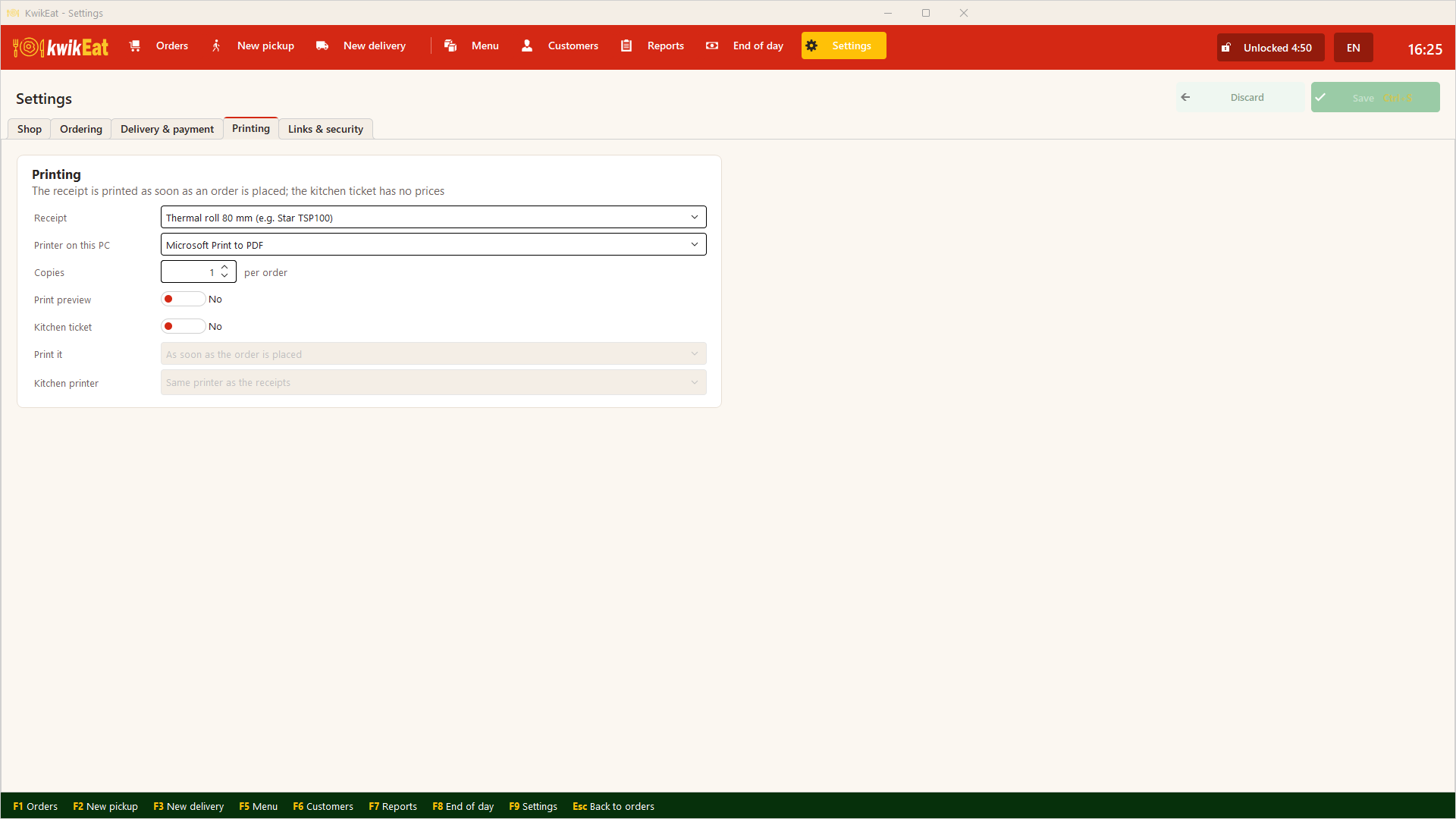
The receipt printer, print preview and the kitchen ticket: see Printing and the kitchen ticket.
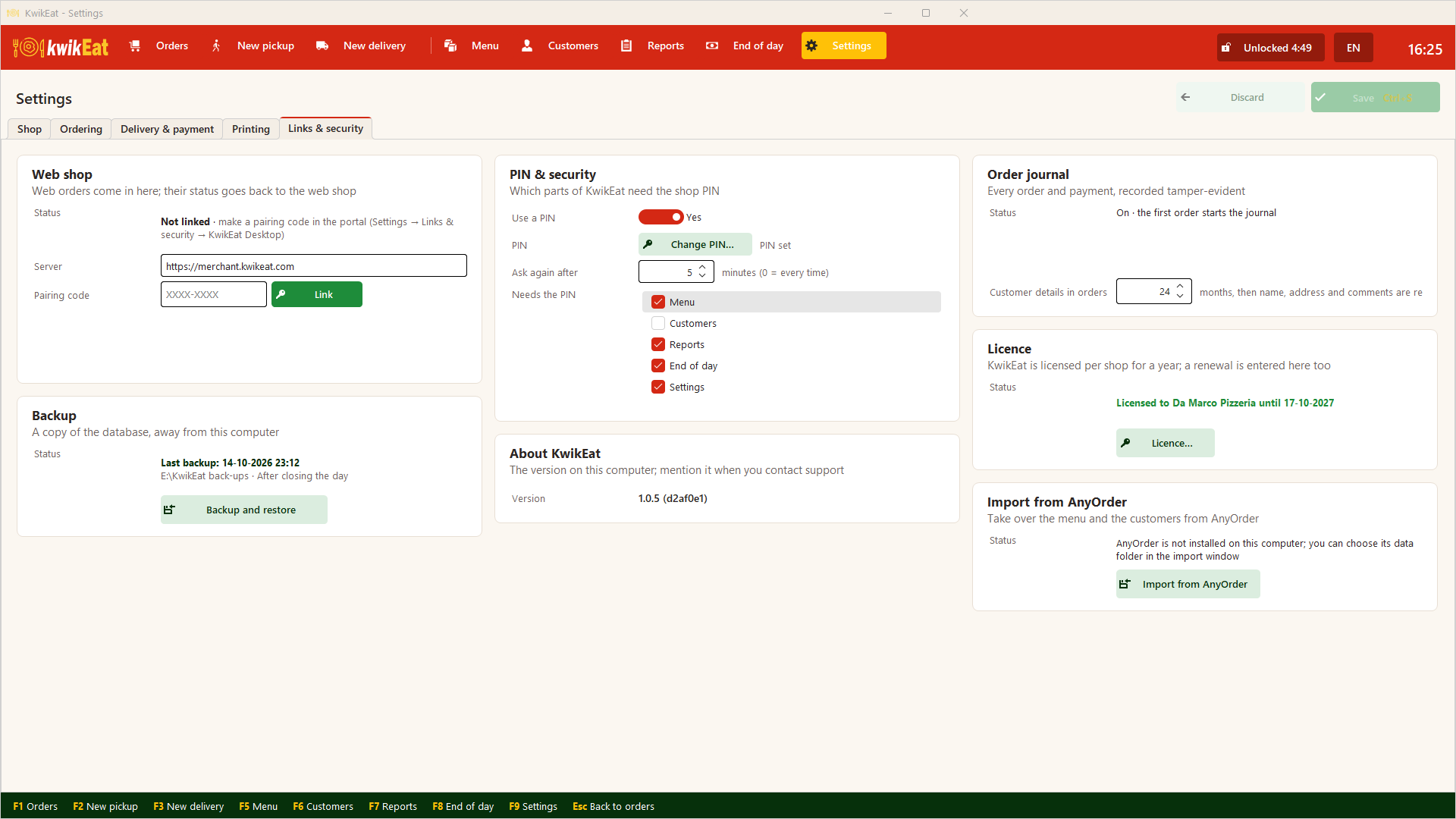
Links & security
- PIN & security: the PIN on or off, change it, and which parts ask for it.
- Order journal: whether the journal is in order, and how many months customer details in orders are kept.
- Web shop: the link with KwikEat Merchant: see Linking Desktop to the web shop.
- Licence: the licence holder, the expiry date and renewing.
- Backup: see Backup.
- Import from AnyOrder: see Installing and first start.
- About KwikEat: the version on this computer. Mention it when you contact support.
Last updated: 15 October 2026